


 en | USD


 CHAT WITH GODLIKE TEAM



Crafting and Using Dyes in ARK

- 3 min read
- 1 views
- 0 likes
ARK Dyes
In ARK Survival Evolved servers, you can customize their environment, gear, and even creatures using dyes. These dyes allow you to personalize a lot of things and even character appearances, making your in-game experience truly unique.
TIP
Crafting Dyes in ARK
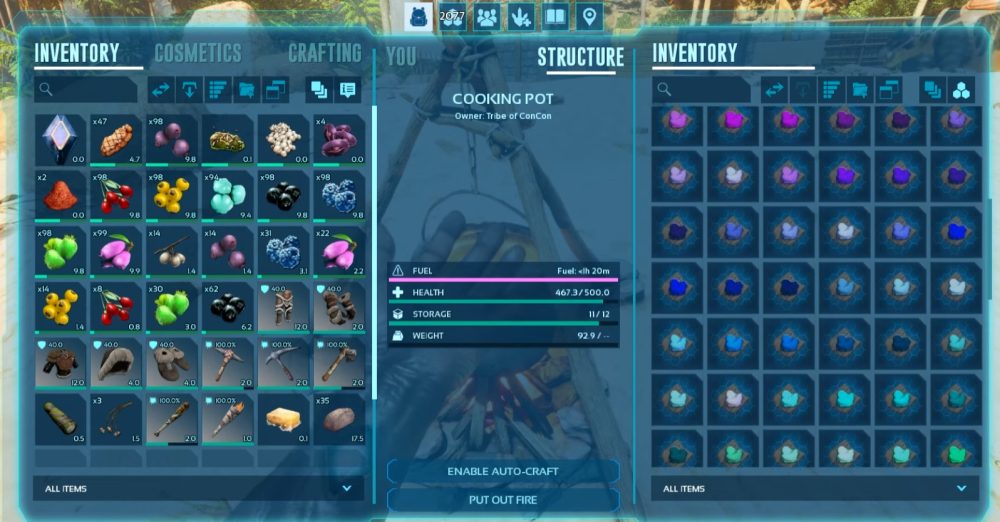
To create dyes, you need either a Cooking Pot or an Industrial Cooker. The base ingredients for all dyes include:
- Water – A fully filled Waterskin, Water Jar, or Canteen.
- Fuel – 2 units of Charcoal, or 1 unit of Gunpowder or Sparkpowder.
- Berries – The type and quantity depend on the desired dye color.
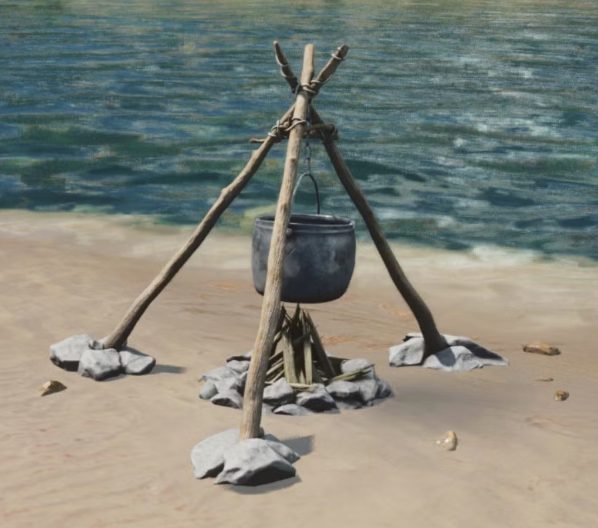
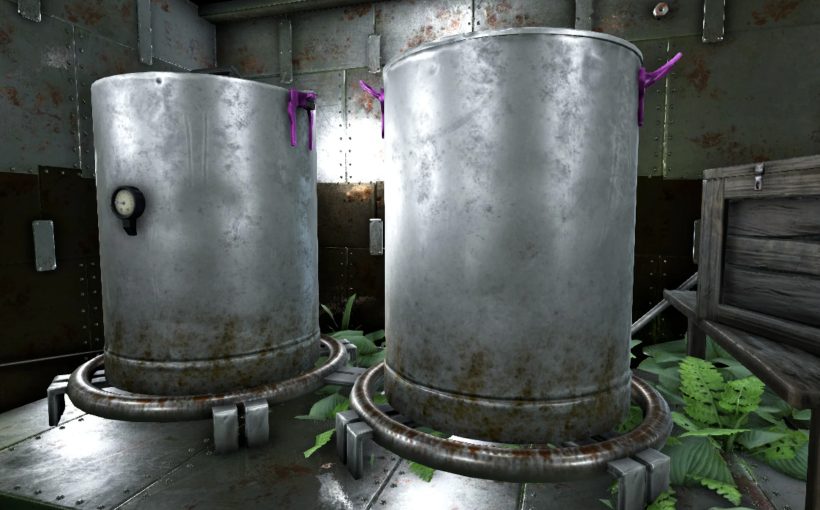
Once all ingredients are placed into the Cooking Pot or Industrial Cooker, light the fire and wait for the dye to process. Each batch produces five units of dye.
All ARK Dyes Recipes
| Color | Materials Required |
|---|---|
| Black |
|
| Blue |
|
| Brick |
|
| Brown |
|
| Cantaloupe |
|
| Cyan |
|
| Forest |
|
| Green |
|
| Magenta |
|
| Mud |
|
| Navy |
|
| Olive |
|
| Orange |
|
| Parchment |
|
| Pink |
|
| Purple |
|
| Red |
|
| Royalty |
|
| Silver |
|
| Sky |
|
| Slate |
|
| Tan |
|
| Tangerine |
|
| White |
|
| Yellow |
|
Using Dyes in ARK
Dyes can be applied to different surfaces and objects in various ways:
- Armor, Weapons, and Saddles – Drag the dye onto the item in your inventory to open the coloring menu, where you can select specific parts to paint.
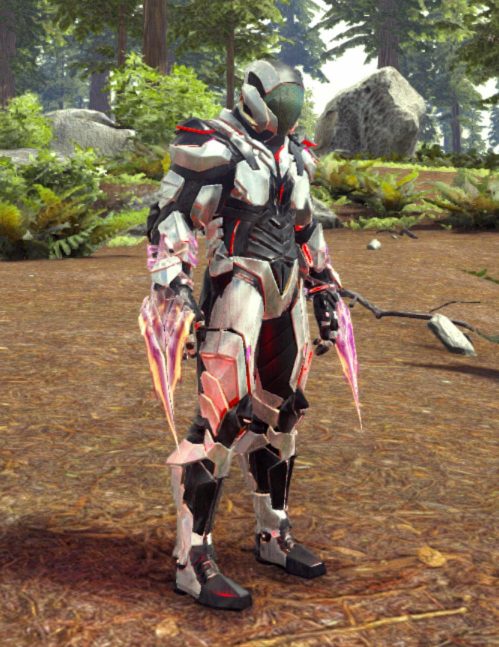
- Structures – Use a Paintbrush or a Spray Painter loaded with dye. Equip the tool and apply the color to structures manually or with precision using the painting interface.
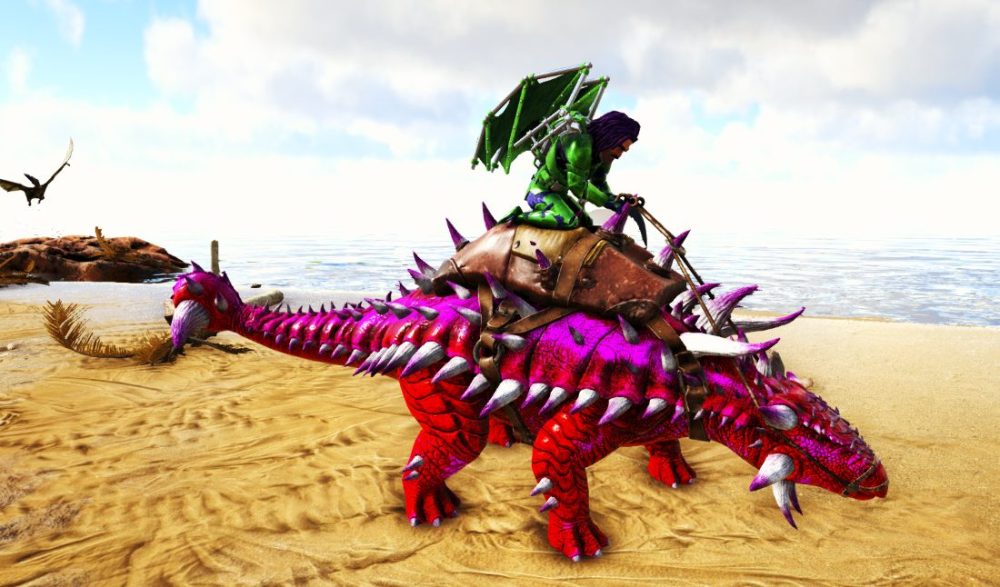
- Creatures – Equip a Paintbrush with dye, approach the creature, and use the attack button to access the warpaint interface, allowing for detailed customization.
Tips for Efficient Dye Crafting
- Using Thatch as fuel in the Cooking Pot prevents unwanted Charcoal from affecting the dye’s final color.
- Always make sure that only the required ingredients are in the pot to avoid crafting the wrong dye.
- Experiment with different berry combinations to discover unique shades.
Result
In ARK: Survival Evolved, players can customize their world using dyes crafted in a Cooking Pot or Industrial Cooker with water, fuel, and berries. Dyes can be applied to armor, weapons, structures, and even creatures, allowing for personalized gameplay and creative expression.
Enjoyed reading the guide? Visit our Blog section and learn even more exciting things about your favorite games! Play together with GODLIKE.
Read Next
-
ARK: Surival Ascended Valguero: Map Guide, Best Spawns & What’s New in the Update
TL;DR Valguero is back in ARK Survival Ascended servers as a free expansion map a 63 km² sandbox where glaciers meet lava fields. Expect a double Wyvern trench (Ice above, Fire below), an Aberration Trench with…
-
Best ARK Server Hosting (2025): 12 Providers Compared & Ranked
ARK Multiplayer Looking for the best ARK server hosting to run ARK: Survival Evolved and its DLC maps with smooth tick rates, low ping, and easy mod management? This guide ranks the top ARK server…
-
ARK: Aquatica: New Underwater DLC for ARK: Survival Evolved
As part of the game’s tenth anniversary, ARK: Aquatica will be the next big DLC for ARK Survival Evolved servers. It will come out on July 15, 2025. In this new chapter, the familiar survival…


