


 en | USD

 CHAT WITH GODLIKE TEAM



How to Create and Join a Clan in V Rising

- 3 min read
- 1 views
- 0 likes
Creating and Joining a Clan
Tired of fighting on V Rising server hostile vampire groups alone? Consider organizing your own vampire clan with friends or joining an existing one with other gamers. Joint strategies can make your raids on enemy clans more effective, and you can collectively rebuild your fortresses. In this article, you will learn important information about the benefits of being in a clan and the steps necessary to create or join on. For large‑scale PvP battles, a high‑quality, stable server is essential for comfortable gameplay - run your world on the best vps for gaming to maintain low latency and consistent performance.
TIP
Clans and Their Mechanics
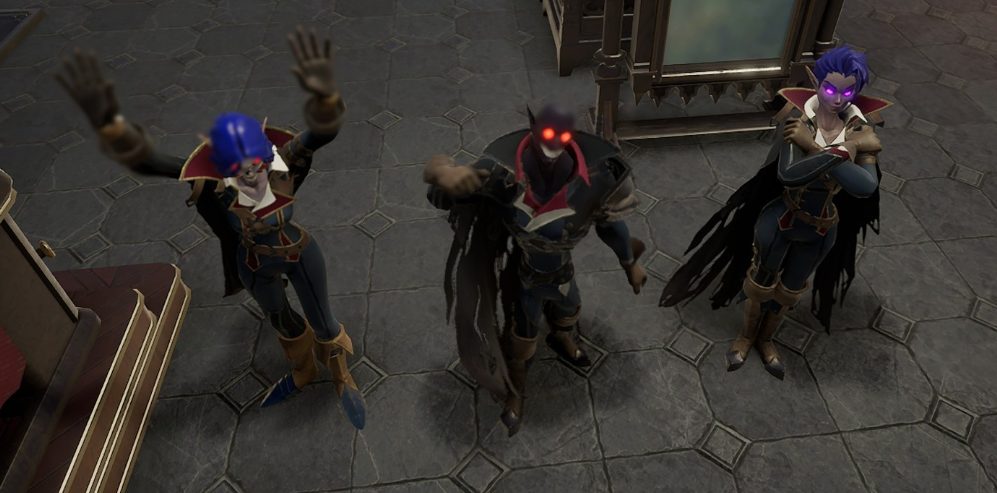
V Rising encourages group play, and the game reaches its peak when you play together with others. Creating a clan is a simple process that facilitates organized hunts for V Blood carriers, speeds up resource collection, allows for joint building, and helps defend your fortress from attacks.
Benefits of Clan Membership:
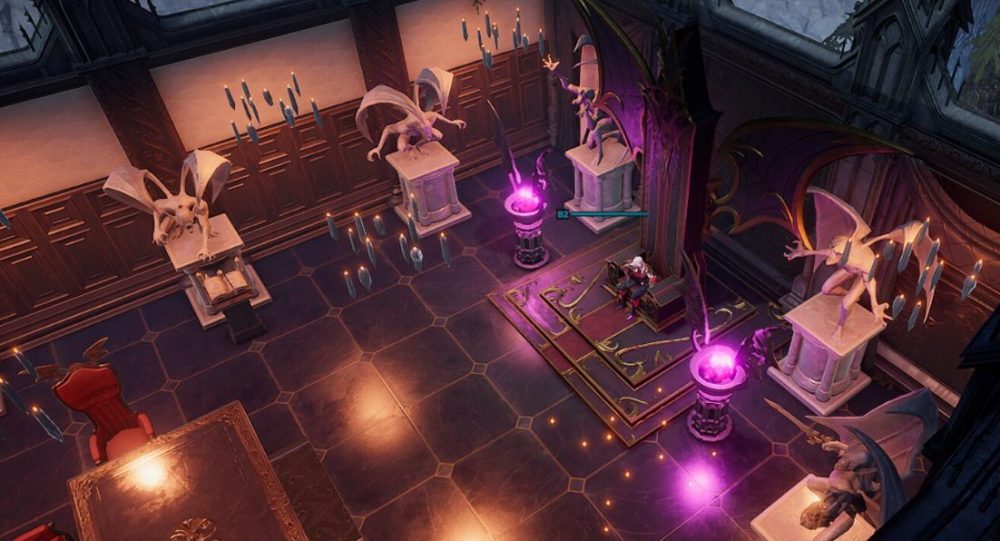
- Private Communication: Through a dedicated chat channel.
- Friendly Fire Deactivation: The ability to disable friendly fire.
- Collaborative Efforts: In building and upgrading fortresses.
- Unique Benefits: For all clan members if any of the three Soul Shards are collected after defeating three bosses.
How to Create and Join a Clan
TIP
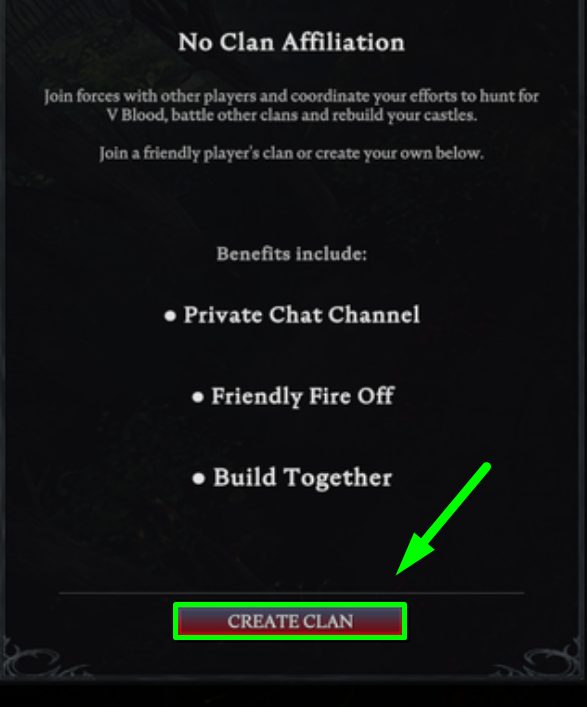
To create or join a clan, go to the clan menu (press P) and select Create Clan. You will need to specify your clan's name and a short clan message before clicking the create button. It’s that simple, and you will automatically become the leader of your newly created clan!
To add players to your clan, open the clan menu again and select Invite Player. Simply enter the name of a player who is active and currently online on the server, and they will receive an invitation to join your clan.
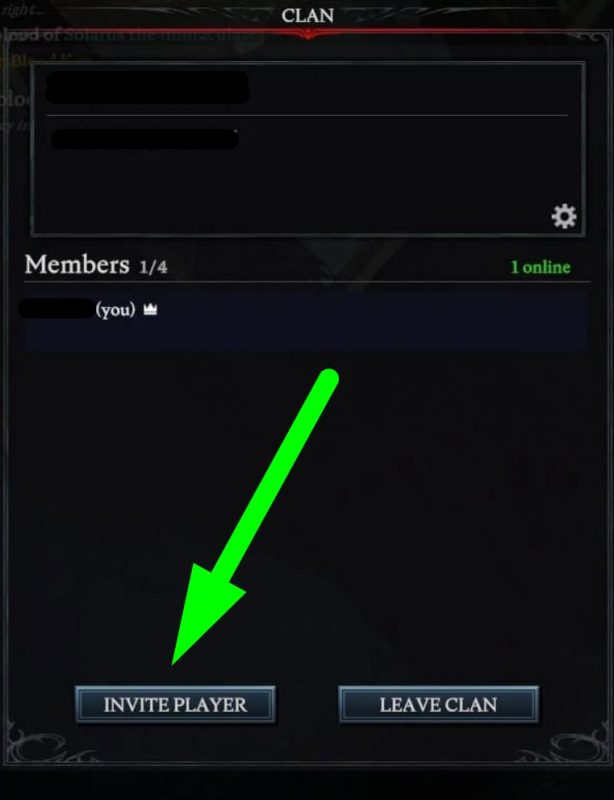
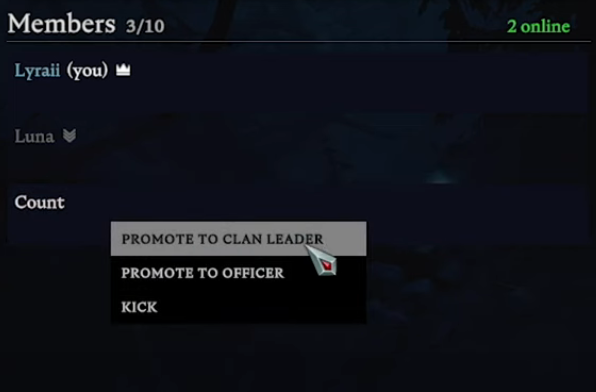
You can also manage players in your clan by clicking on them in the clan player list. You can make someone the clan leader, assign the role of guardian, or expel them.
Enjoyed reading the article? Visit our Blog section to learn even more interesting things about your favorite games! Play together with GODLIKE.
Read Next
-
V Rising 1.1 Update: Invaders of Oakveil
New Content & Features The eagerly awaited 1.1 update for V Rising server, titled “Invaders of Oakveil”, is set to launch on April 28, 2025. This major expansion introduces a variety of new content, features,…
-
How to V Rising Tips and Tricks
V Rising Progression Guide Building a house on your V Rising server just by hitting trees is easy, but can you defeat a teleporting necromancer or eat an entire bear in one meal? Answers to…
-
V Rising 1.0 Release Scheduled for May 8
V Rising 1.0 Scheduled for May 8 Step into the world of V Rising servers, where you will immerse yourself in darkness and feel eternity as you shape your destiny in this unique vampire survival…


