


 en | USD


 CHAT WITH GODLIKE TEAM



How to Build the Best Base in Palworld

- 4 min read
- 1 views
- 1 likes
Palworld Base Building Tips
In Palworld server, there's much to capture a player's interest, from surviving with cute Pals and their weapons to engaging in battles. However, your primary task is to create a well-organized base. Here are some tips on how to successfully build and secure your base in Palworld.
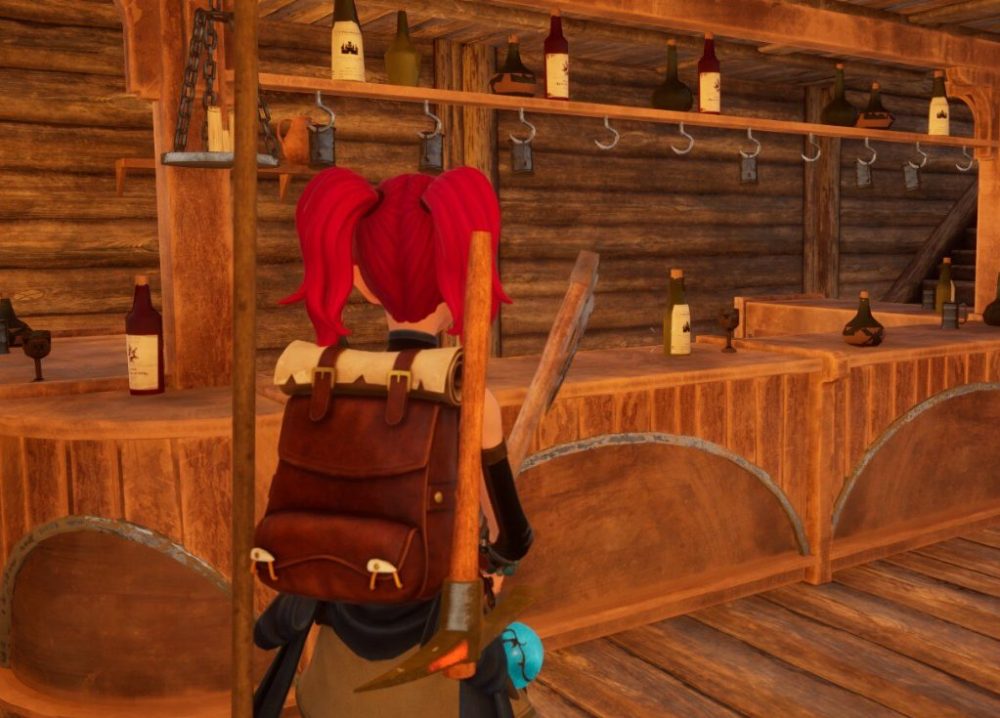
Choosing Palworld Best Base Locations
Selecting the right location for your base is crucial. Although rich resource zones will appear later in the game, initial options will be more limited. Many players immediately want to place their base near a fast travel point.
However, it's better to choose a location a couple of levels below, next to a small pond where there are plenty of trees and stones, as well as ore and palladium veins. This will significantly ease resource gathering in both the short and long term. You'll also need to reach the second level and activate the Palbox to establish your base. With this in mind, let's move on to the next stage.
TIP
Building Palworld Best Starting Base Location
After reaching the second level, place your Palbox in the center of your chosen area to maximize its influence in all directions.
Assigned Pals (their number will increase with level) can process resources in this area, chopping trees and mining stones. They will also transport materials to chests, which is essential for resource organization.
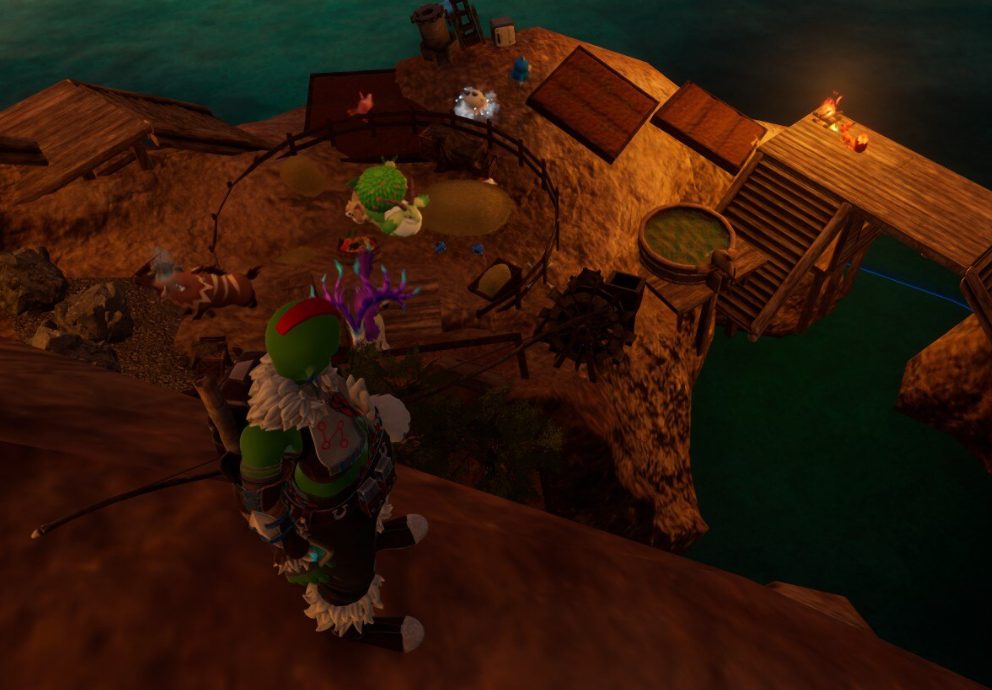
NOTE
It's best to divide your base into functional zones. A small house with a bed will suffice until you decide to expand it with larger items at higher levels
You'll also need a zone for Pals' beds. Each Pal needs its own bed for comfort, so it's convenient to arrange them near a feeding box. A campfire for general warmth will also be useful.
Crafting Zones
Next, it's useful to have a zone with crafting tables spaced so Pals can easily access them. Our tables were placed along the river, but you can arrange them as you like. Then, set up a berry farm, lumberyard, and quarry in the central area. Engaging several Pals simultaneously in these tasks will increase efficiency.
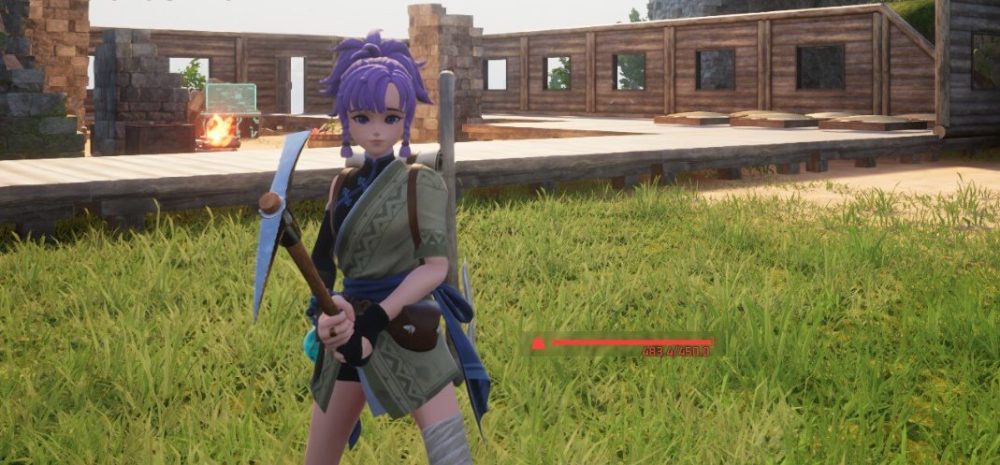
Placing easily accessible chests will help your Pals quickly move collected resources. Upgrade your crafting tables as soon as you unlock new ones to keep your base in top condition.
Palworld Base Defense
In Palworld, base attacks occur periodically, which can be annoying, but they can mostly be repelled with a few reliable Pals and a bow. However, these attacks become more challenging over time. Therefore, it's advisable to set up defensive structures when possible and upgrade wooden elements like your house and chests to metal, reducing the risk of them being destroyed.
Sandbags allow you to assign Pals to defend your base during attacks, and you can use wooden defensive walls (or better ones as you level up). At level 26, you'll be able to build mounted crossbows and arrange walls to funnel enemies into specific paths, allowing you and your defensive Pals to repel threats effectively.
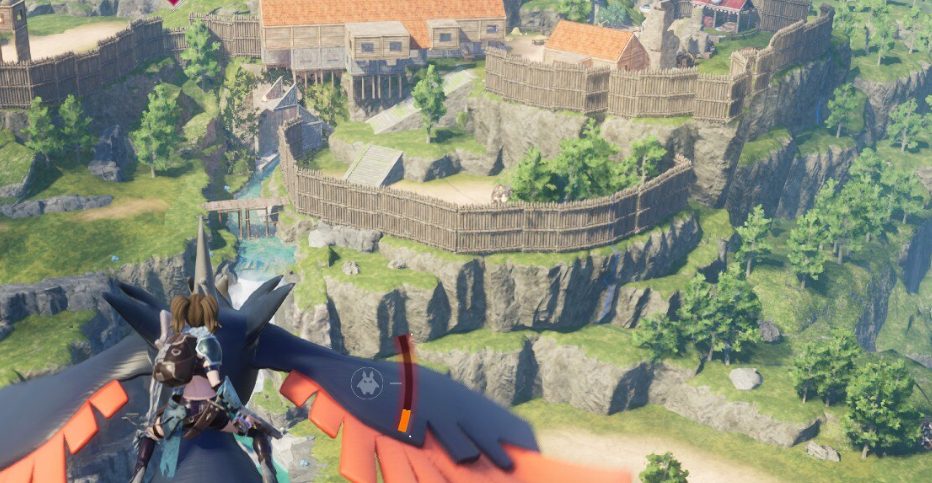
Keep upgrading base elements to stay protected from attacks throughout the game.
How to Expand Base Palworld (Palworld Second Base)
As you level up your Palbox, you'll be able to create second and third bases. While you can place them anywhere, it's useful to build one near a sulfur deposit, as you'll need this material in the future. Sulfur deposits are found in the desert, so choosing a location you like is a good idea.
TIP
Consider other resources as well, and as you progress in the game, pay attention to access points. If security is a top priority, placing a base on high ground or even a small island can be good solutions to protect against potential attacks. Also, ensure the presence of other bases for resource gathering.
Enjoyed reading the article? Visit our Blog section to learn more interesting things about your favorite games! Play together with GODLIKE.
Read Next
-
Best Palworld Mods (2025): Install, Compatibility & Our Top Picks
TL;DR Palworld server hosting modding on PC (Steam/Game Pass) uses community loaders and a simple Mods folder + Mods.txt. For multiplayer, every player including the host must run the exact same build. Back up your…
-
Palworld Halloween Event 2025 (v0.6.8): Dates, Patch Notes, Rewards & How to Start
• Update Build: v0.6.8 • Platforms: PC/Steam, Xbox Series/One, PS5 TL;DR Start date: October 23, 2025 alongside the Palworld server hosting update v0.6.8. End date TBA. New content: a limited-time Halloween mission to unlock Zoe’s Halloween…
-
Best Palworld Server Hosting (2025): 12 Providers Compared & Ranked
Palworld Server Hosting Running your own Palworld server is the greatest method to play an open world survival game with a lot of strange creatures without lag. You’ll have more control, stability, and privacy. This…


