


 en | USD

 CHAT WITH GODLIKE TEAM



How to Relocate Your Castle in V Rising

- 3 min read
- 1 views
- 0 likes
Castle Location in V Rising
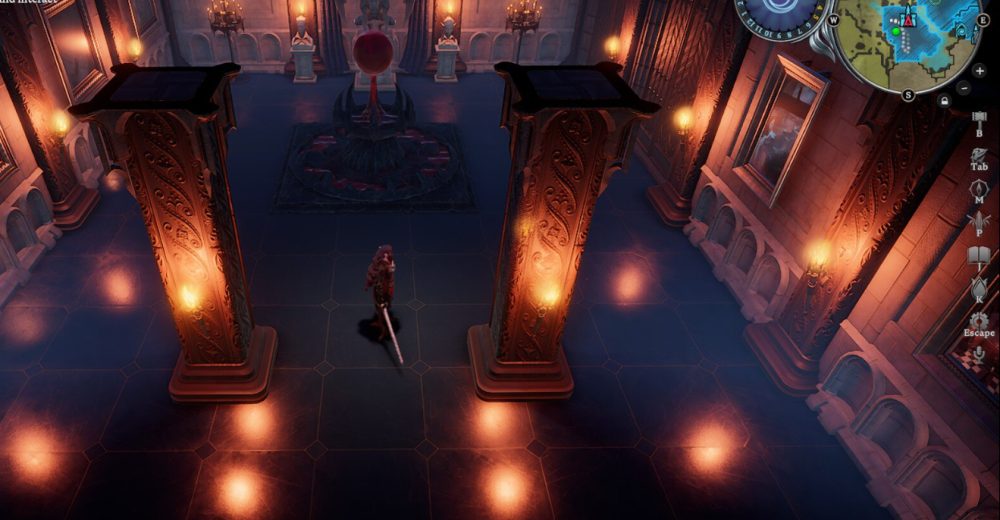
Interested in relocating your castle on VRising server to a new location? In this article, we will guide you on how to create and implement the Castle Relocation Heart, enabling you to swiftly move all your structures to a new site.
TIP
Setting Up the Castle Relocation Heart for Moving Your Castle
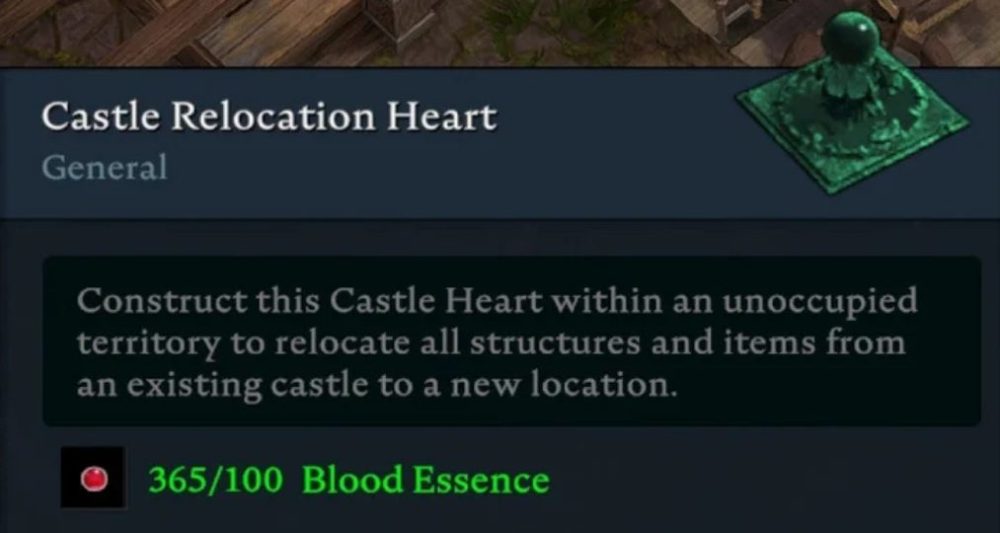
Completing missions in your Journal will lead you to a task called "The First Book in the Library," where you are instructed to build and use the Research Table. This task follows immediately after the "Blood Hunt" mission, in which you find your first V Blood target. Completing "The First Book in the Library" in V Rising 1.0 will grant you the ability to create the Castle Relocation Heart using 100 Blood Essences.
What You Need to Move Your Castle
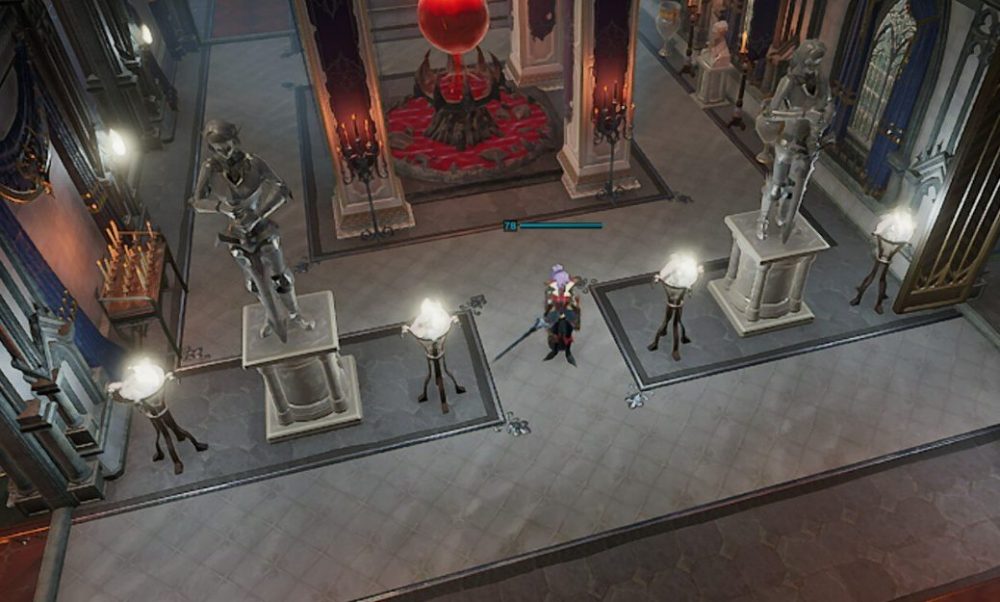
To move your castle, start by constructing the Castle Relocation Heart at the site you have chosen for your new castle. It is recommended to clear the surrounding area first to ensure there is enough space for your castle. Interact with the Castle Heart and select the option to "link with the castle" to connect it to the castle you plan to move. If you have more than one castle, make sure to select the correct one, as the process is irreversible once started.
When ready, select "relocate castle." Your previous castle will be dismantled, and your build menu will update with new options. First, you need to set up a special storage unit for Traveling Bags. Unused materials from your old castle will be stored in Traveling Bags upon completion of the move.
The build menu (B) will now display all the components from your old castle that you can place without additional costs. You are free to position all floors, walls, work areas, and other elements as you wish. Once you have finished arranging everything, interact with the Castle Relocation Heart again to complete the relocation process. Any components that you did not transfer will be dismantled, and their materials, along with the contents of their containers, will be stored in your Traveling Bag.
TIP
Enjoyed Reading the Article? Visit our Blog section and learn even more interesting things about your favorite games! Play together with GODLIKE.
Read Next
-
V Rising 1.1 Update: Invaders of Oakveil
New Content & Features The eagerly awaited 1.1 update for V Rising server, titled “Invaders of Oakveil”, is set to launch on April 28, 2025. This major expansion introduces a variety of new content, features,…
-
How to Create and Join a Clan in V Rising
Creating and Joining a Clan Tired of fighting on V Rising server hostile vampire groups alone? Consider organizing your own vampire clan with friends or joining an existing one with other gamers. Joint strategies can…
-
How to V Rising Tips and Tricks
V Rising Progression Guide Building a house on your V Rising server just by hitting trees is easy, but can you defeat a teleporting necromancer or eat an entire bear in one meal? Answers to…


