




 en | USD


 CHAT WITH GODLIKE TEAM


7 Day’s To Die Bicycle Guide

- 3 min read
- 1 views
- 3 likes
Exploring the World of 7 Days to Die
In the vast world of 7 Days to Die Server Hosting, whether you're traveling through Navezgane or a complex, crafted landscape, moving on foot can quickly become arduous and exhausting. A more convenient solution is using a bicycle, which you can obtain as a reward or craft yourself.
TIP
Obtaining a Bicycle
One of the fastest ways to get a bicycle is through rewards given by the Trader after completing quests. Typically, the first Trader you encounter will offer a choice that includes a bicycle after you complete all quests at the primary level. Choosing the bicycle is a smart move as it significantly improves mobility across the map and increases resource gathering opportunities.
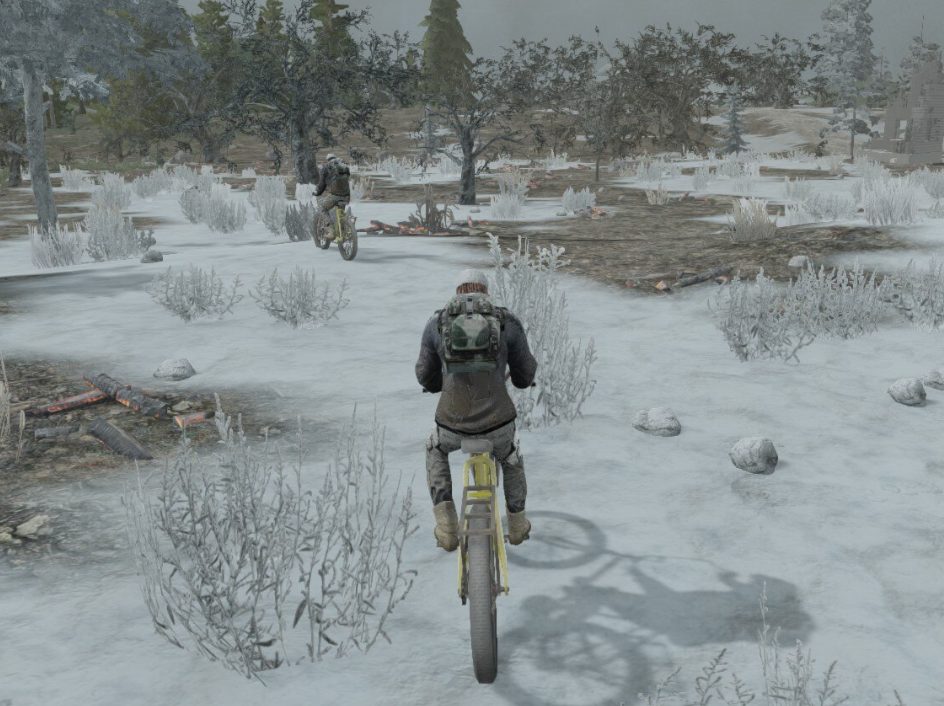
Crafting a Bicycle
If you decided not to take the bicycle from the Trader but later regret it, don't worry. You have the option to craft a bicycle yourself.
First, you need to achieve the first level in the Transport section of the crafting menu by earning skill points through reading Vehicle Adventures magazines. You already have one point at the start of the game, so it will be enough to read just four of these magazines.
Next, you need to unlock access to the second level of workstations, which allows you to use the workbench. To do this, read nine Forge Ahead magazines.
To craft a bicycle, you'll need three key components:
- Bicycle Chassis
- Bicycle Handlebars
- Wheels (2)
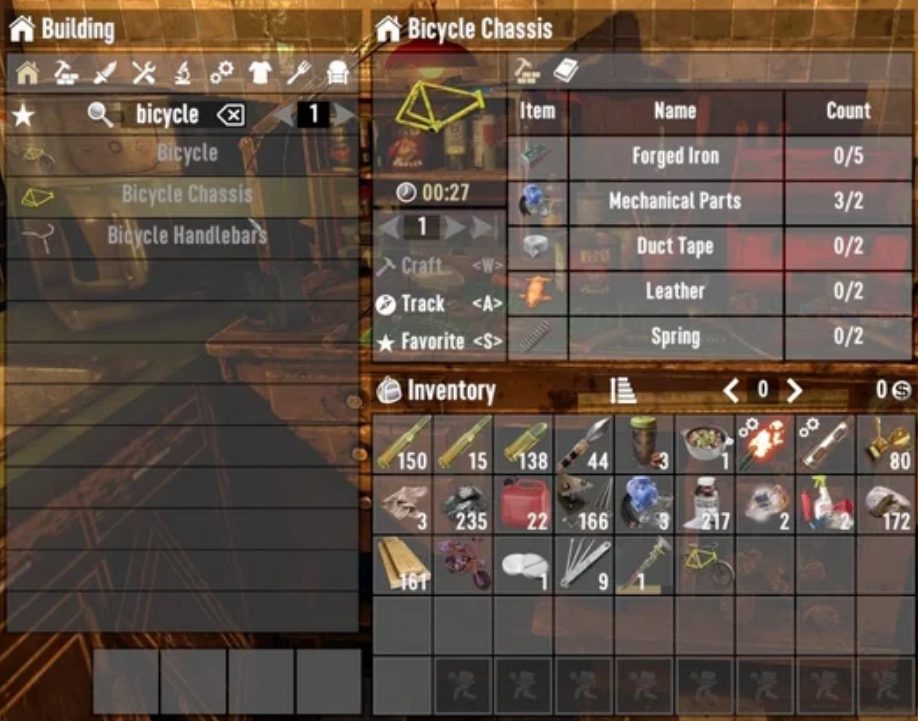
These parts need to be crafted and assembled at the workbench. For the chassis, you need:
- 5 units of forged iron
- 2 mechanical parts
- 2 pieces of duct tape
- 2 leather
- 2 springs
The handlebars consist of:
- 2 pieces of duct tape
- 2 leather
- 1 mechanical part
- 6 short iron pipes
- 2 springs
For the wheels, you need to gather:
- 2 units of forged iron
- 16 scrap polymers
- 2 units of oil
- 10 pieces of coal
- 1 bottle of acid
Resources for crafting the bicycle can often be found by scavenging containers in the game world, especially in places where vehicles are serviced, such as garages and gas stations. Forged iron can be made in the forge by smelting iron.
Once you have all the components, open the workbench menu, select the bicycle, and click "Craft."
Using the Bicycle
To use the bicycle in the game, place it on your quick access bar and deploy it on the ground by pressing the right mouse button. Use the activation key (E) to mount the bicycle and move forward by holding the forward button. Using the Shift key will help you accelerate, but it will decrease your stamina.
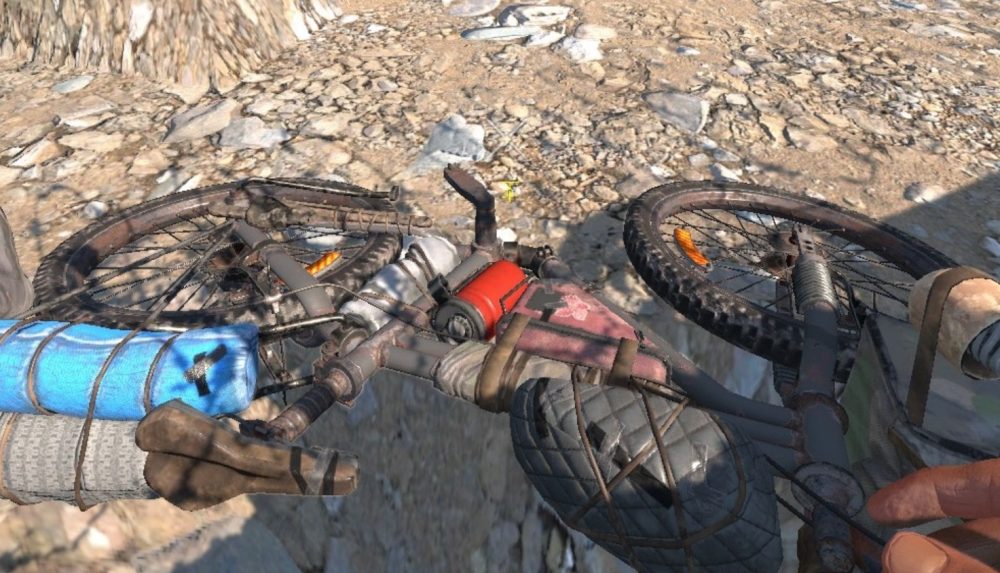
The bicycle has several useful functions, such as a multiplayer lock, repair, signal, and increased storage. To use these features, hover over the bicycle and hold the E key to open the options wheel.
Customizing and Repairing the Bicycle
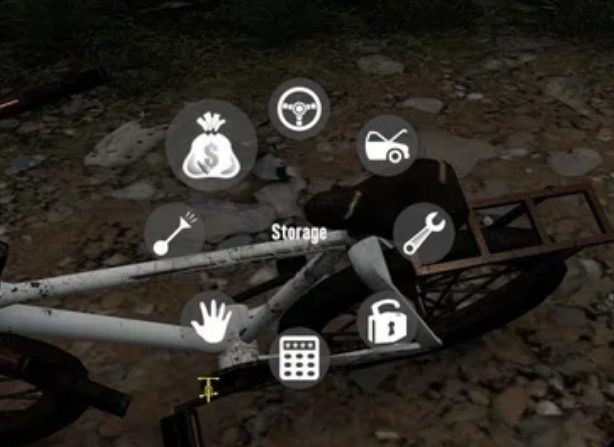
In the bicycle menu, you can customize it using vehicle modification slots and a cosmetic slot for dye. If the bicycle is damaged, you will need a repair kit to restore it. Select "Repair" in the options wheel or in your inventory to perform the repair.
Enjoyed reading the article? Visit our Blog section and learn even more exciting things about your favorite games! Play together with GODLIKE.
Read Next
-
7 Days to Die 2.0: The “Storms Brewing” Update
Release Date After more than a decade of development, Days to Die Server Hosting is finally ready to release its most ambitious update yet: Version 2.0, aptly titled “Storms Brewing”. This update was initially scheduled for…
-
Guide to the 7 Days to Die Map – Navezgane
Starting Your Journey The world of 7 Days to Die Server Hosting on the Navezgane map is a place where every moment is a battle for survival. Not only will you need to face hordes…
-
Where to find Coal in 7 Days To Die
Coal Deposits Location Coal, an essential resource in 7 Days to Die Server Hosting, can be extracted from Coal Veins scattered across various biomes. These veins, similar in appearance to Stone Veins, are smaller and…


