


 en | USD


 CHAT WITH GODLIKE TEAM



How to Ride a Sniffer in Minecraft

- 3 min read
- 1 views
- 1 likes
Mobs and Interactions
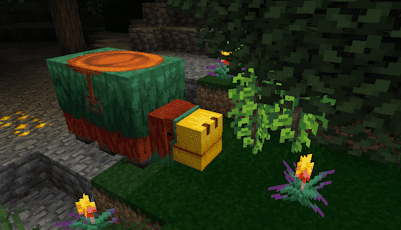
With the release of Minecraft server hosting version 1.20, the Sniffer—a giant dinosaur-like creature—was introduced, offering players a new exploration companion. While interactions with these creatures are currently limited, riding them officially remains impossible. Why can’t players mount these massive mobs? The exact reason remains unclear, but players have discovered ways to ride them using in-game commands. This works in both multiplayer servers and single-player mode, and the experience can be further enhanced with mods that add new mechanics for these creatures. Whether you’re a fan of mods or prefer the vanilla game, there’s always a way to saddle up. Let’s dive into the process of riding Sniffers in Minecraft!
TIP
Sniffers in Minecraft: Can You Ride Them?
The simple answer is no—you cannot ride Sniffers in Minecraft by default. However, with commands or mods, it becomes entirely possible. These massive creatures are not designed for players to ride—at least not yet. There’s speculation this might change in future updates, but nothing is guaranteed. For now, if you’re playing the Java Edition, you can ride Sniffers in version 1.20 using commands, though Bedrock Edition players won’t have this option natively. Add-ons might offer a workaround, but this isn’t certain. Check the sections below for detailed instructions.
TIP
Steps to Ride Sniffers
Before attempting to ride a Sniffer, you’ll need to enable cheats or have operator permissions, depending on whether you’re playing on a server or in single-player mode. Once this is done, you can use a command to mount these creatures. Follow these steps to get started:
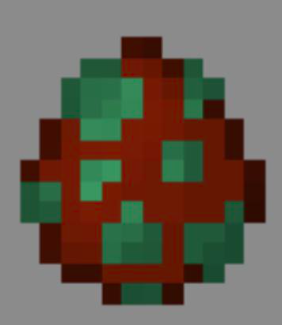
Enter Creative Mode and spawn a Sniffer in your desired location.
Open the chat and type: /ride [username] mount @e[type=minecraft:sniffer,limit=1,distance=..10]
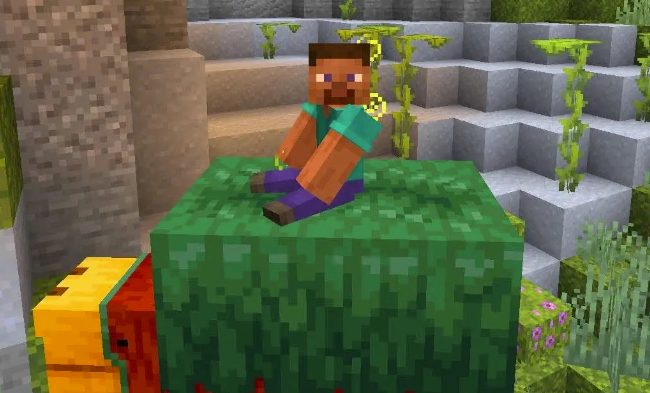
If successful, you’ll be riding a Sniffer in Minecraft for the first time!
IMPORTANT
To dismount, press the SHIFT key or use the command:/ride [username] dismount
Read Next
-
Copper Golem in Minecraft (2025): Status, Mods, Oxidation, Statue Build & FAQ
TL;DR There is no copper golem in vanilla Minecraft server hosting (Java or Bedrock) as of 2025. It was a Mob Vote 2021 candidate and didn’t make it into the base game. You can still use…
-
Minecraft Mods (1.21): Best Mods, Modpacks, and How to Install (Fabric, Forge, NeoForge)
TL;DR In Minecraft server hosting Java mods are .jar files loaded by Fabric, NeoForge (modern Forge fork), Forge, or Quilt. Put the mod in the /mods folder for the chosen profile. Minecraft: Java Edition is…
-
Smithing Table in Minecraft (1.21+): Recipe, Uses, Templates & Toolsmith Guide
TL;DR In Minecraft server hosting, the block’s core purpose is upgrading gear via smithing templates not repairing. The crafting recipe is simple: two iron ingots plus four planks of any wood. What it is: a…


